Show your client the room before anything is bought.

Designs on your client's own photo, a moodboard and product list per room, and a proposal your client approves room by room.

Cancel any month · Your data stays in the EU

  • BeforeAfterBeforeAfter

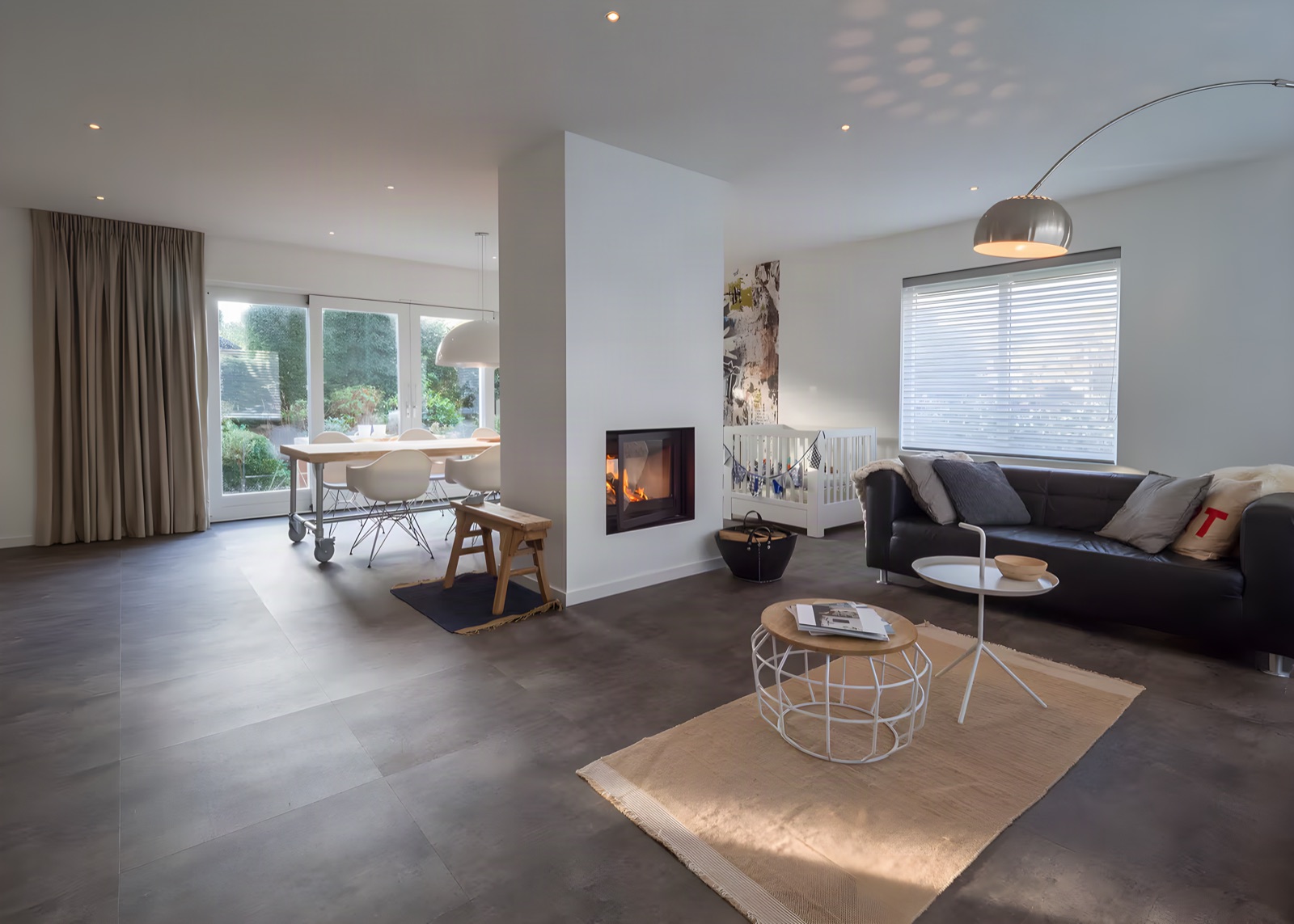
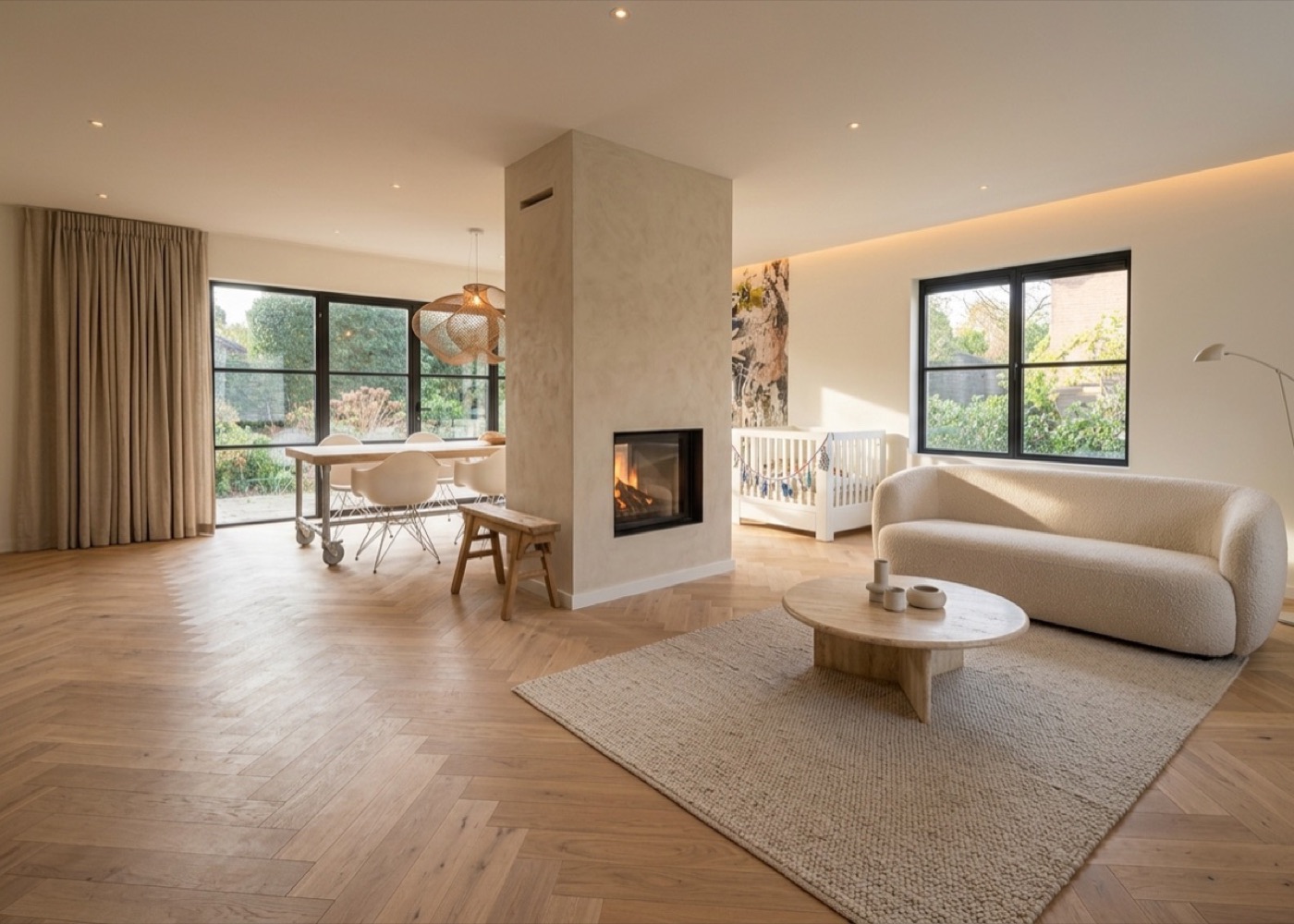
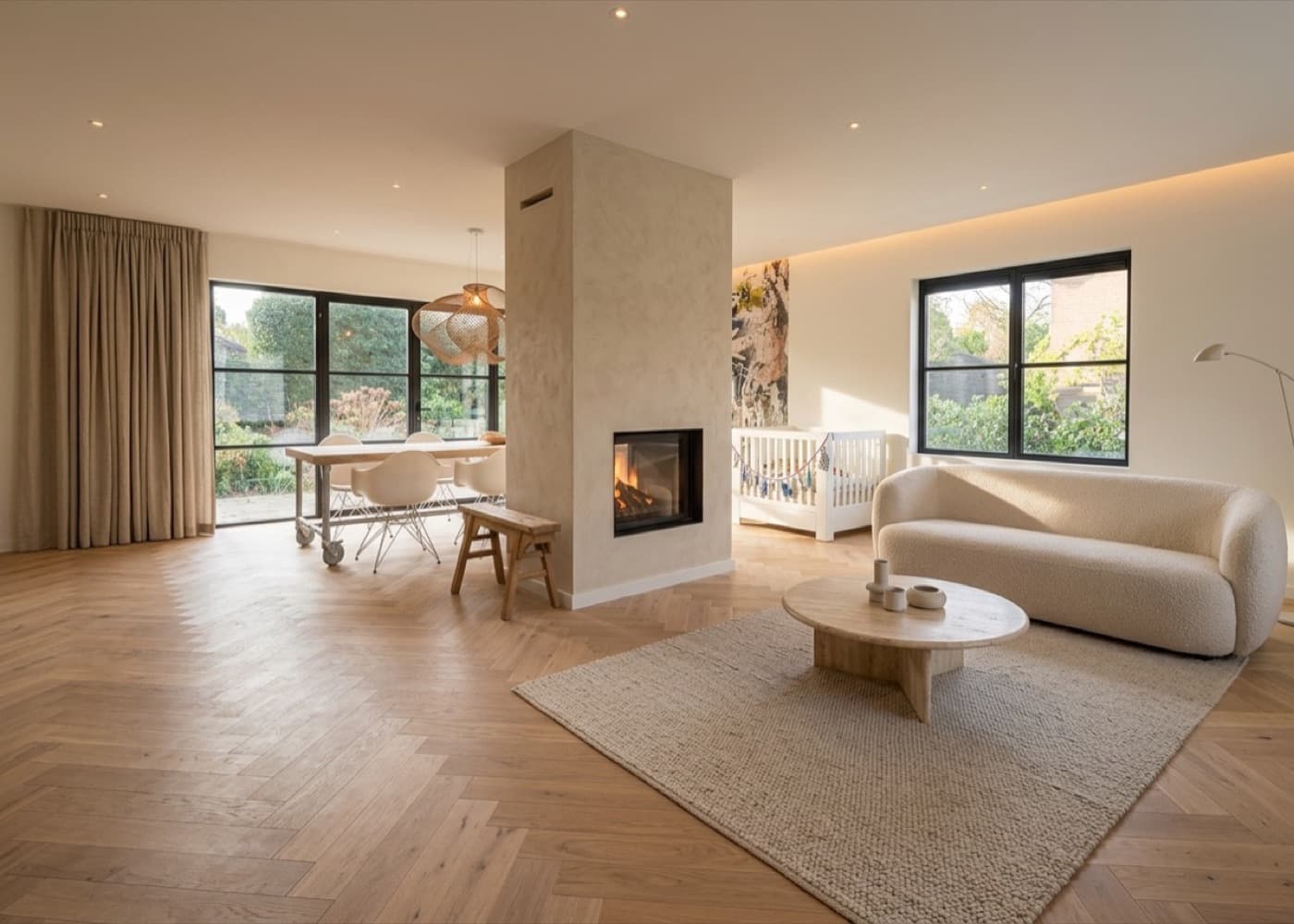
    Living room · From dark tiles to an oak herringbone floor, a plastered fireplace and calm natural tones.

  • BeforeAfterBeforeAfter

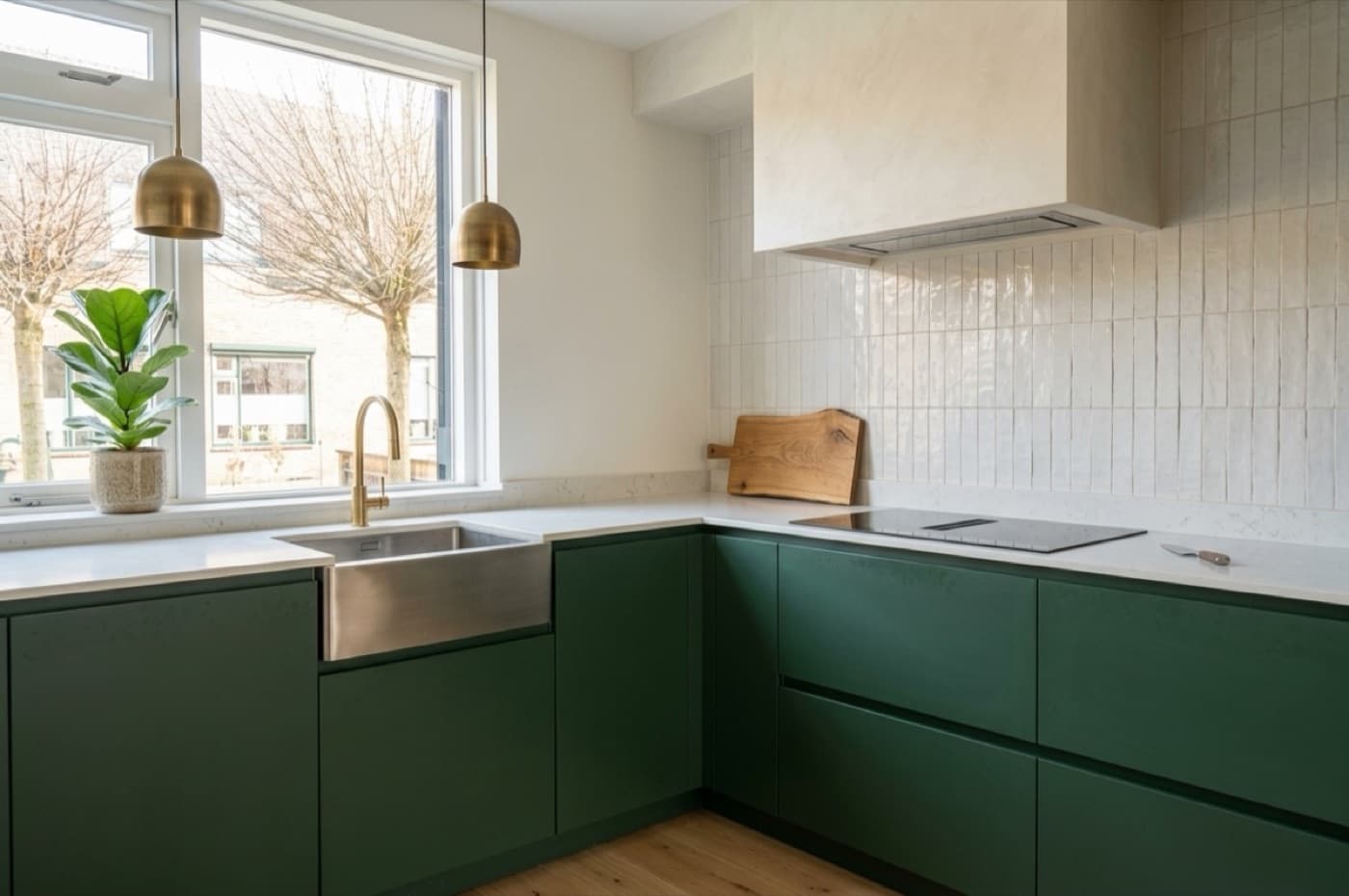
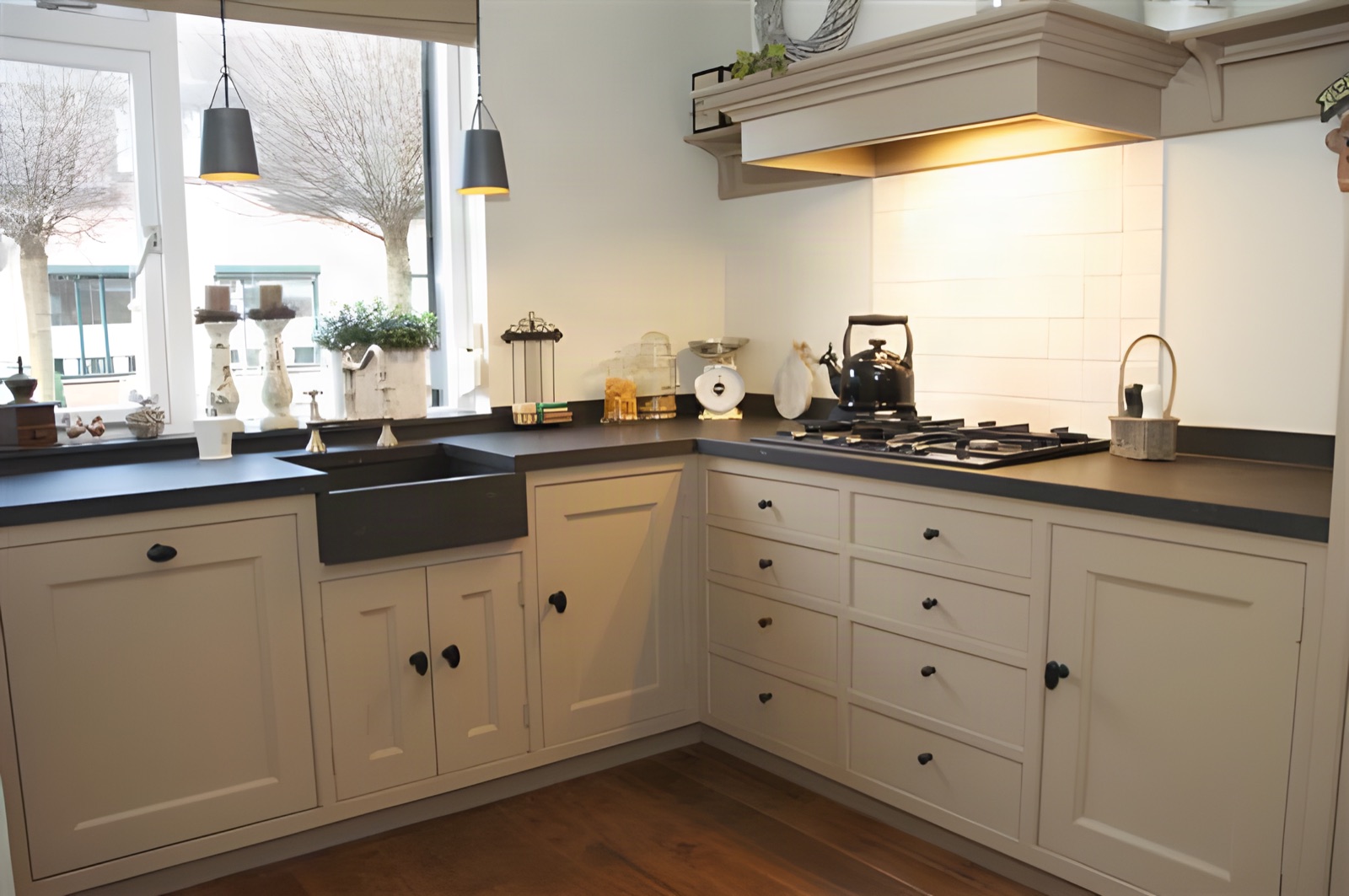
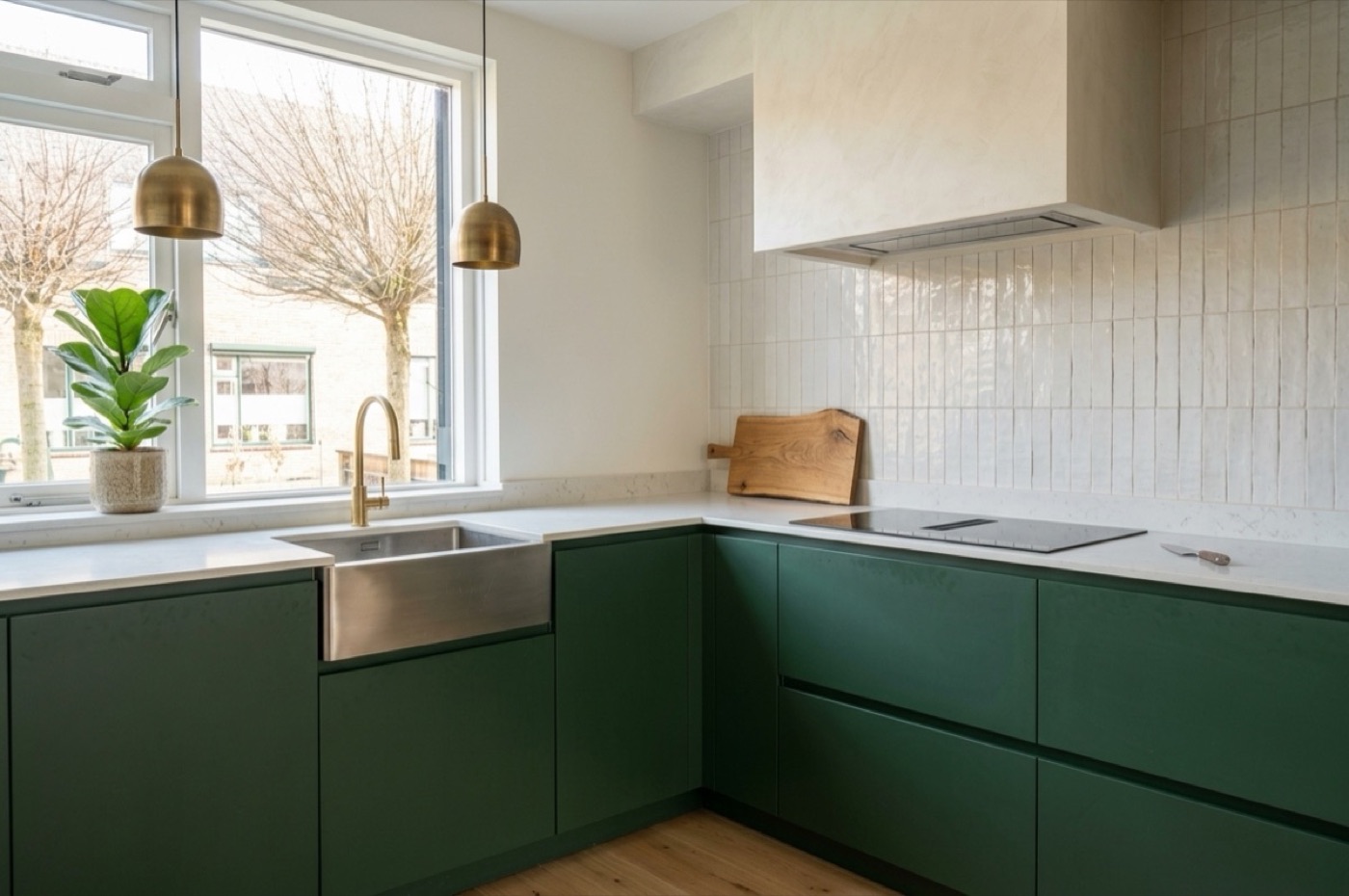
    Kitchen · From a country kitchen to sleek forest green with a light worktop and brass details.

  • BeforeAfterBeforeAfter

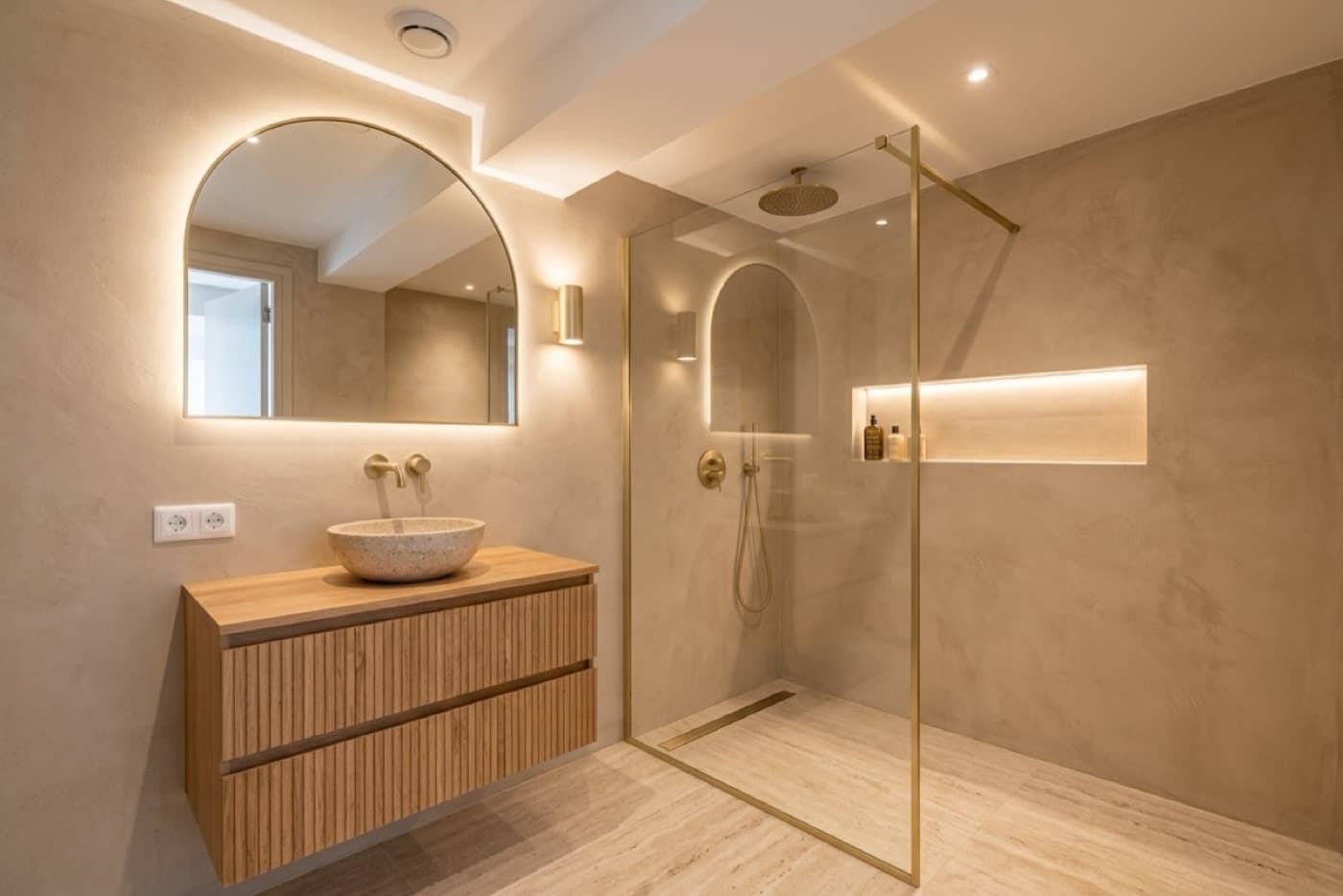
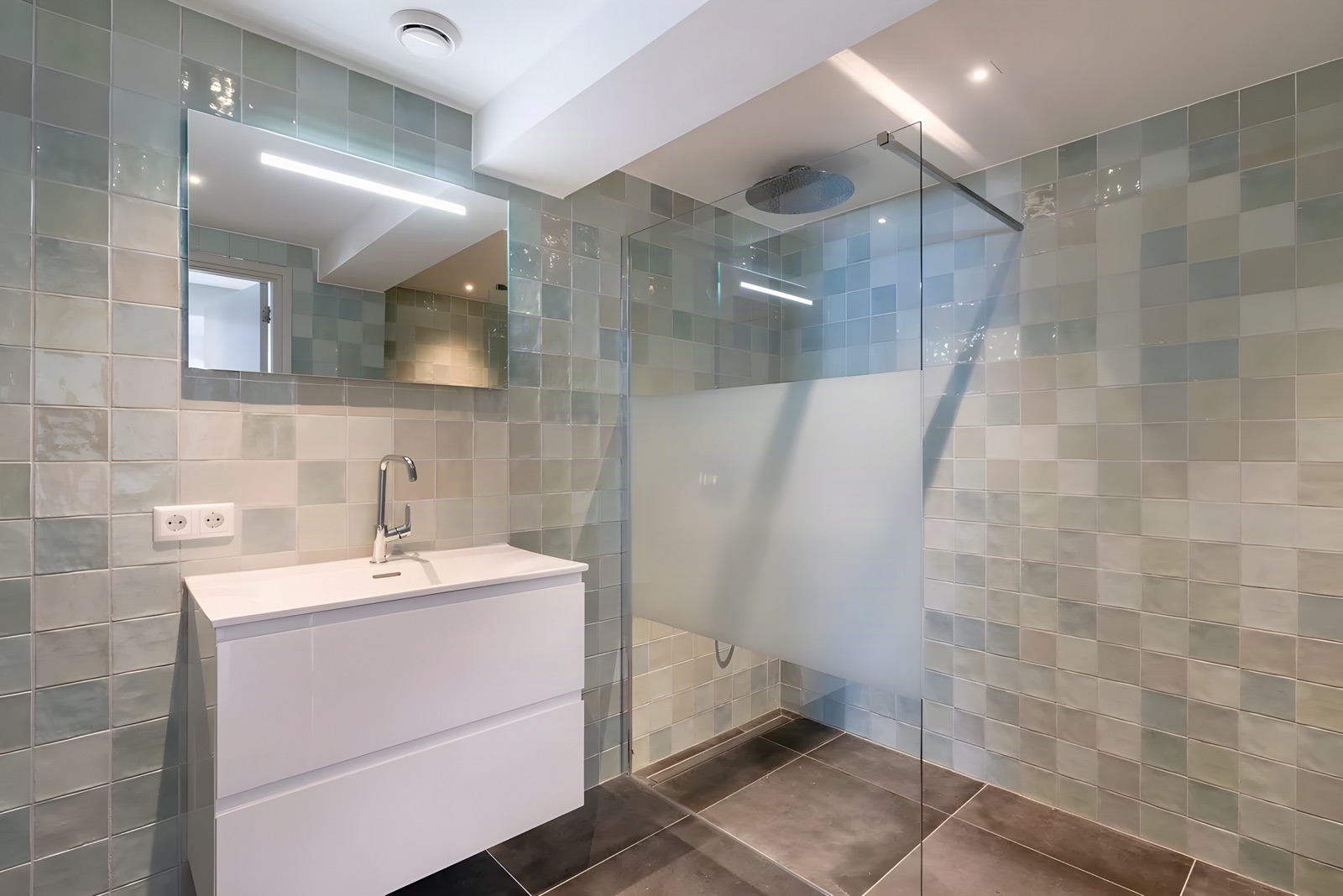
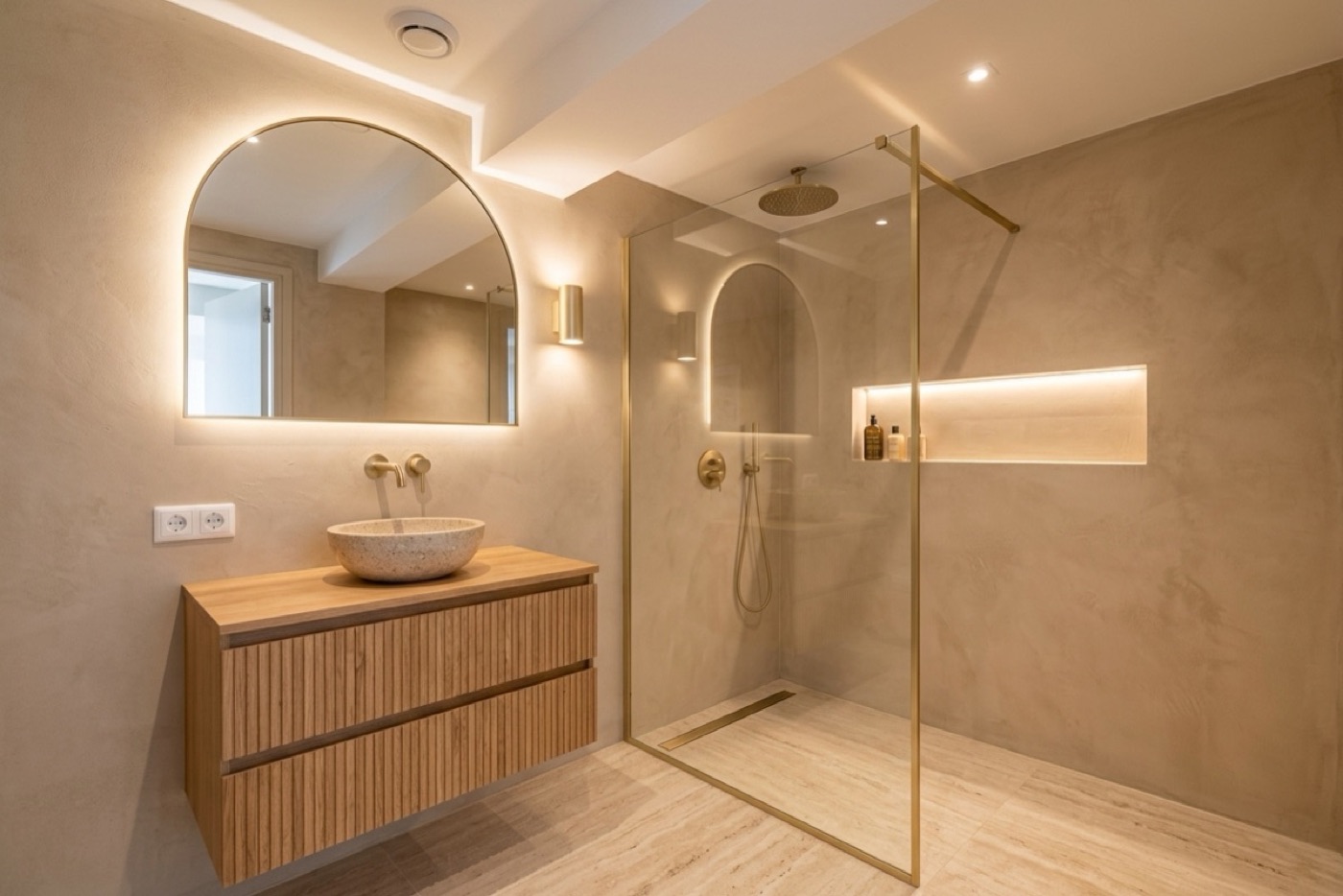
    Bathroom · From green tiles to a warm spa bathroom with microcement, oak and brass.

How it works

From first meeting to delivery. Every room in view.

  1. Step 1

    Photos and wishes

    Photograph each room and note what your client wants. Reno Easy turns your voice memo into text.

  2. Step 2

    Design and moodboard

    Put the new style on your client's photo and build a moodboard per room with images, colours and notes.

  3. Step 3

    Products and fee

    Pick furniture, lighting and materials with price and link. Charge per hour, per room or as a percentage.

  4. Step 4

    Approve and order

    Your client approves online, room by room. You see straight away what to order.

Features

Everything for a design project, in one app.

Moodboards, product lists, fees and invoices work with the same rooms, clients and prices.

Moodboards and designs

A moodboard per room, in a few minutes.

Combine your own images with designs on your client's photo, colours and notes. Your client sees it neatly in the proposal.

  • Designs on their own photoShow how their living room, kitchen or bathroom looks in the new style.
  • Images, colours and notesUpload inspiration, add colour swatches and write what you mean.
  • Organised by roomEach room has its own moodboard and product list, so nothing gets mixed up.
  • Beautiful in the proposalYour client browses room by room with moodboard and products, in your colours and with your logo.
Product lists and purchasing

From moodboard to shopping list.

List the products per room, with supplier, link and price. Only you see your trade price and margin.

  • Supplier, link and photoEverything your client needs to know about a product, in one place.
  • Your margin in viewEnter your trade price and see what you earn per room. Your client never sees it.
  • From proposed to deliveredSee per product whether it's approved, ordered or delivered. Your overview shows what still needs ordering.
  • Share or exportShare the shopping list with your client as a link, or export it to Excel.
Fees and invoices

Charge for your work the way you want.

Per hour, per room, a fixed amount or a percentage of the budget. Products go onto the quote in one click.

  • Fee as a percentageCharge, say, 10% of the furnishings. Reno Easy works it out from your product list.
  • Approval per roomYour client signs the proposal online and ticks which rooms can go ahead.
  • Invoices in stagesDeposit, interim and completion, with your logo and the right VAT.
  • Any country, any currencyInvoices to your country's rules, or payment requests if you use your own accounting software.
Pricing

One signed job pays for a year.

Pay every 6 months and get at least 1 month free.

Base

For the tradesperson who quotes their own work

$275 per month

  • 100 designs per month
  • 10 videos per month
  • 150 designs through your website widget
  • Quotes, proposals and invoices
  • Posts and AI captions
Choose Base

Pro

For businesses that also want to grow
Most popular

$495 per month

  • 300 designs per month
  • 40 videos per month
  • 500 designs through your website widget
  • Everything in Base
  • Carousels, reels and post ideas
Choose Pro

Enterprise

Custom pricing

Several teams or branches, or many more designs and videos? We'll put together a package for you, with personal onboarding and payment by invoice.

Book a call

Prices exclude VAT. Setup help (price list, branding, widget on your site) is available for a one-off $825.

Questions

Does this work if I'm not a contractor?

Yes. Reno Easy has its own setup for interior designers and stylists: rooms, moodboards, product lists and design fees.

Does my client see my trade prices?

No. Your client only sees the price you charge. Trade price and margin are for you only.

Can I add products from any shop?

Yes. You add any product with name, supplier, link, photo and price, from any shop or supplier.

How do I charge my design fee?

However you like: per hour, per room, a fixed amount or a percentage of the budget. It goes on the quote next to the products.

Reno Easy

Ready for your next design?

Create your account in a few minutes and send your first room-by-room proposal this week.